Technical SEO: Use robots.txt, sitemaps and canonical URLs correctly
· PoolByte
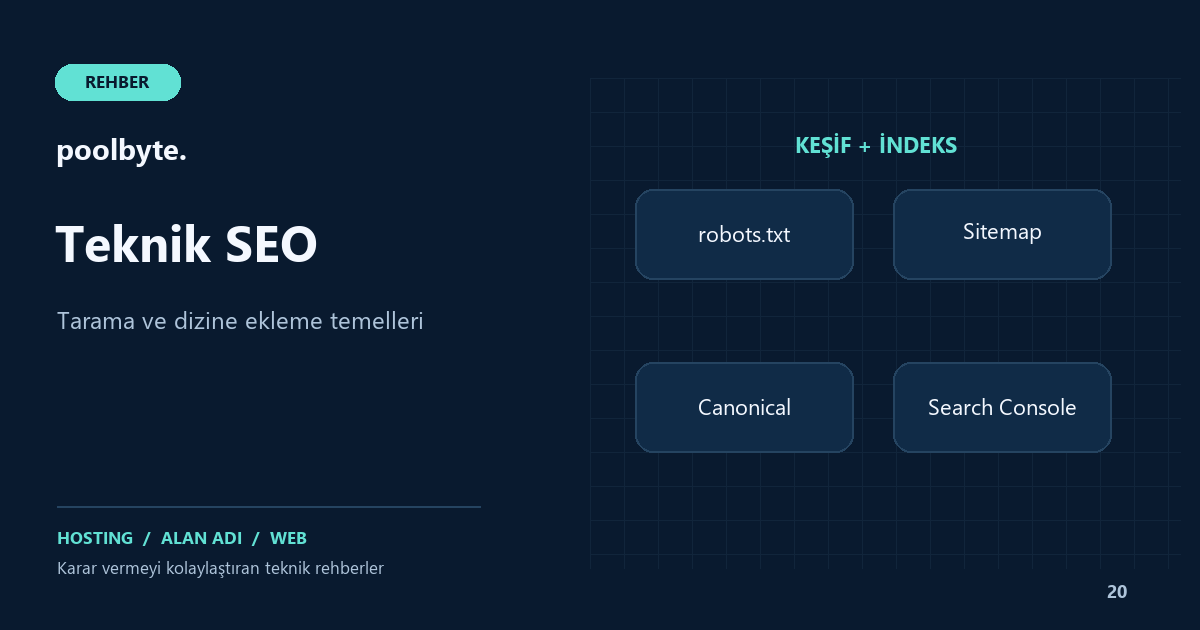
In technical SEO, it is necessary to separate three different questions: Can the search engine visit the page, can the page be included in the search results, and which address is preferred among similar URLs? Robots.txt, sitemap, canonical and noindex contribute to these questions in different ways. Using one setting over another may exacerbate rather than solve a visibility problem.
Imagine multiplying a blog post with an HTTPS address, HTTP version, different domain format and campaign parameter. Just because they all show the same content doesn't mean you've clearly told the search engine which address you prefer. First determine the permanent URL scheme you want to publish.
Robots.txt regulates crawling
Robots.txt specifies which paths can be visited by crawlers that comply with the rules. It is not a firewall or special file access control. Blocking a URL here does not necessarily prevent that URL from being discovered from other links and appearing in the search result.
In particular, do not randomly block the CSS and JavaScript files that make up the site. It may become difficult for the search engine to understand the visible content of the page. The main method to protect the management area is authentication and authorization; Writing the path to the robots file does not provide protection.
The following example is a simple start for a site where all crawling is allowed:
User-agent: *
Disallow:
Sitemap: https://example.com/sitemap.xml
Use your own permanent domain name instead of example.com. This example is not a ready-made policy for all sites. Evaluate rules based on actual URL structure and needs; Verify the accessibility of the robots file after publication.
Noindex makes a different decision
If you do not want a page to be included in search results, noindex can be used for search engines that support it. Google must be able to crawl the page to see this directive. Don't block the same page with the robots file and assume that noindex will still be seen.
Test environments and personalized pages should also be protected with access control. Noindex is not a security mechanism that hides private data. The distinction in Staging guide helps you avoid accidental release of a test copy.
Check the remaining noindex from testing during release to production. Let the visibility decision of the home page, category and important service pages be determined separately. A single global setting may not give the right result for all content types.
Sitemap makes discovery easier
Sitemap provides search engines with URLs and appropriate additional information on your site. It does not guarantee that all addresses are crawled or indexed. Important pages should also be accessible from within the site via clear links; sitemap is not a replacement for poor navigation structure.
Add preferred, accessible, and indexed URLs to the list. Deleted pages, error responses, and unnecessary parameter variations can pollute the map. Update last change information only when meaningful content has changed; It is not a correct maintenance method to constantly bring all dates to today.
Do a little sample check: are the three most recently published posts on the map, are the URLs HTTPS, and do the correct pages appear when opened? Then compare it with existing content. Don't assume that just because the map is being created, every new post is automatically included.
Canonical indicates your preferred version
Canonical is a powerful signal used to indicate the preferred URL for duplicate or very similar pages. It must work consistently with other signals such as redirects and sitemaps. Google may also prefer a different address; canonical should not be considered a definitive command.
If a piece of content has been moved permanently, appropriate redirection will also take the user to the new address. Canonical, on the other hand, does not automatically change the visitor's browser address. Although they seem to serve the same purpose, the situations in which they are used are different. Do not make completely different articles canonical to a single URL just because they contain similar keywords.
When it comes to pagination, filtering and language versions, the decision depends on the content structure. Linking each parameterized address to the home page without thinking can confuse signals of useful content. First determine editorially which page has the same content and which responds to a different need.
Find inconsistent signals on a single sample
For a hypothetical directory, let your permanent address be https://example.com/blog/rehber. If internal links use this address, the sitemap shows the HTTP version, canonical shows another slug, and the redirect shows the third address, the system is inconsistent.
- Type your preferred permanent URL.
- Check the actual status code of the relevant URL.
- Verify the Canonical value within the created page.
- Compare with sitemap record.
- Check that internal links go to the same address.
- Evaluate robots and noindex decisions together.
- If available, read the result seen in the Search Console URL review.
You don't have to change the entire site at once for this process. First establish consistency on key services and representative page types; then expand the scope.
Complete the technical layout with useful content
The correct robots file does not make an unread article valuable. Content that answers the user's question, clear title and relevant internal links are required. Link to service pages like web hosting and domain where they actually help with decision making.
Also watch for incorrect HTTP responses. 404 and server errors guide helps verify the actual code of the error page. For visual loading and interaction issues, you can refer to the Core Web Vitals guide.
Frequently asked questions
Does submitting a sitemap help you rank first in Google?
No. Sitemap is a discovery tool; It is not a guarantee of crawling, indexing or ranking.
Can the same canonical be used on every page?
Giving the same target to pages with different content is not a correct general solution. The preference decision should be made based on the content of the page and the URL relationship.
When should I consider a change successful?
Verify correct response, consistent URL signals and relevant reports. Don't assume that the view on the search engine side will change instantly; Date and track changes made.