Static site or CMS? Choose the right platform and hosting
· PoolByte Technology
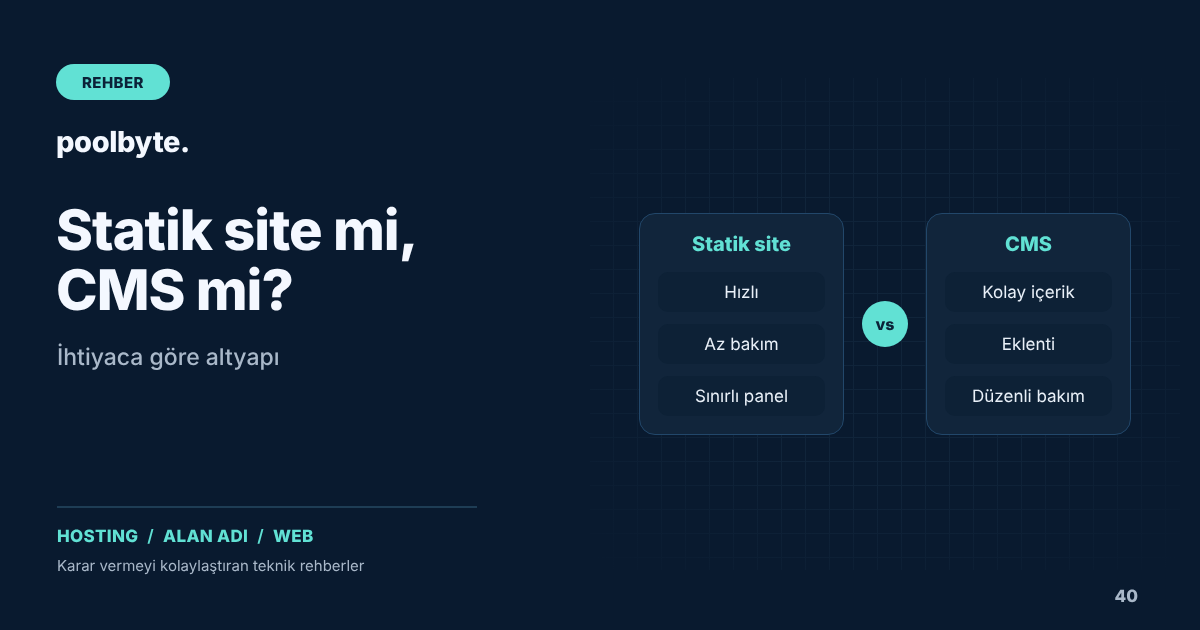
When planning a new website, there is a question that needs to be answered before design and content: What infrastructure will the site run on? Of the two sites that look the same, one may be a static site consisting of ready-made HTML files, and the other may be a CMS site consisting of pages generated from the database for each visitor. This choice; It directly determines who will update the content and how often, maintenance burden, security risks and hosting needs.
In this article, we compare static sites, content management systems (CMS) and custom software and discuss which one makes more sense in which situation.
What is a static site?
A static site consists of pre-made HTML, CSS and JavaScript files. When a visitor requests a page, the server sends the ready file as is; No database query or server side code runs in the background. Static site generators like Hugo automatically create these pages from content files and templates.
This structure has three distinct advantages. Pages are served very quickly, the attack surface is quite small, and hosting costs are low. The disadvantage is that updating content usually requires technical knowledge. Dynamic features such as forms, searches, or memberships also require a service or small server application.
Content management systems
Content management systems such as WordPress are structures where content is organized through a management panel and pages are produced from the database at the time of request. A non-technical team member can also add news, blog posts or products. Features such as multilingual structure, e-commerce, forms and membership can be quickly added with plug-ins.
This flexibility comes at a price. CMS requires PHP and MySQL or MariaDB on the server. Core software, themes and plugins need to be updated regularly; An unupdated plugin can be the weakest point of the site. We covered the security side in our WordPress security checklist and the speed side in our WordPress acceleration guide.
When is special software required?
If your site's job is not just to display content, for example if it requires a panel where customers can create accounts and track orders, a complex appointment system, or integration with your existing business software, custom software may be a better choice. Custom software offers a structure that fits your business processes exactly; However, the development and maintenance costs are higher. For such projects, you can take a look at our special software solutions.
Questions to ask when making your decision
Start the choice not from technical preferences, but from the real needs of the business:
- Who will update the content and how often? The management panel is a great convenience for a team that adds news several times a week.
- What features are required? List needs such as blog, multilingual structure, e-commerce, membership or appointment.
- Who will do the maintenance? If there is no one to follow the updates regularly, a structure with fewer components should be preferred.
- What will the total cost be? Take into account not only the installation but also the cost of annual maintenance, add-on licenses and hosting.
- How will the site grow in the future? A single page site today may require a blog and store tomorrow.
Hosting need according to infrastructure
Static sites run on very few resources; It can be offered without any problems with almost any hosting package and CDN. CMS-based sites, on the other hand, require PHP version, database performance, caching and regular backup; As traffic increases, the need for processor and memory also increases. For the backup plan, you can refer to our website backup guide.
For applications written in Node.js or Python, the hosting must support these languages; We explained this issue in our Node.js and Python application guide in cPanel. You can review web hosting packages to evaluate which package you will need.
Hybrid approaches
The choice doesn't always have to be one or the other. While promotional pages are presented statically, the blog section can be managed with a CMS. The "headless CMS" approach, where content is entered in an administration panel but pages are generated statically, also combines the advantages of two worlds. We have discussed whether different sections should be placed in a subdomain or subfolder in our subdomain and subfolder guide.
Frequently asked questions
Is a static site disadvantageous in terms of SEO?
No. What is important for search engines is the content, structure and speed of the page; not how the page was produced. Static sites can even provide a performance advantage because they open quickly. Elements such as title, description and structured data can also be added to static sites.
Can I switch from a static site to CMS later?
Yes. During the transition, the contents are transferred to the new system and the changed addresses are redirected from the old addresses. To preserve the address structure or redirect correctly, follow the steps in our 301 redirect guide.